Use sample data to preview your view
Use sample data to preview how a view looks to users, including fields that get their values at runtime. When you set a field to dynamic (the lightning bolt is selected), enter sample data in the property's Sample Data section. Sample data appears only in the UI builder.
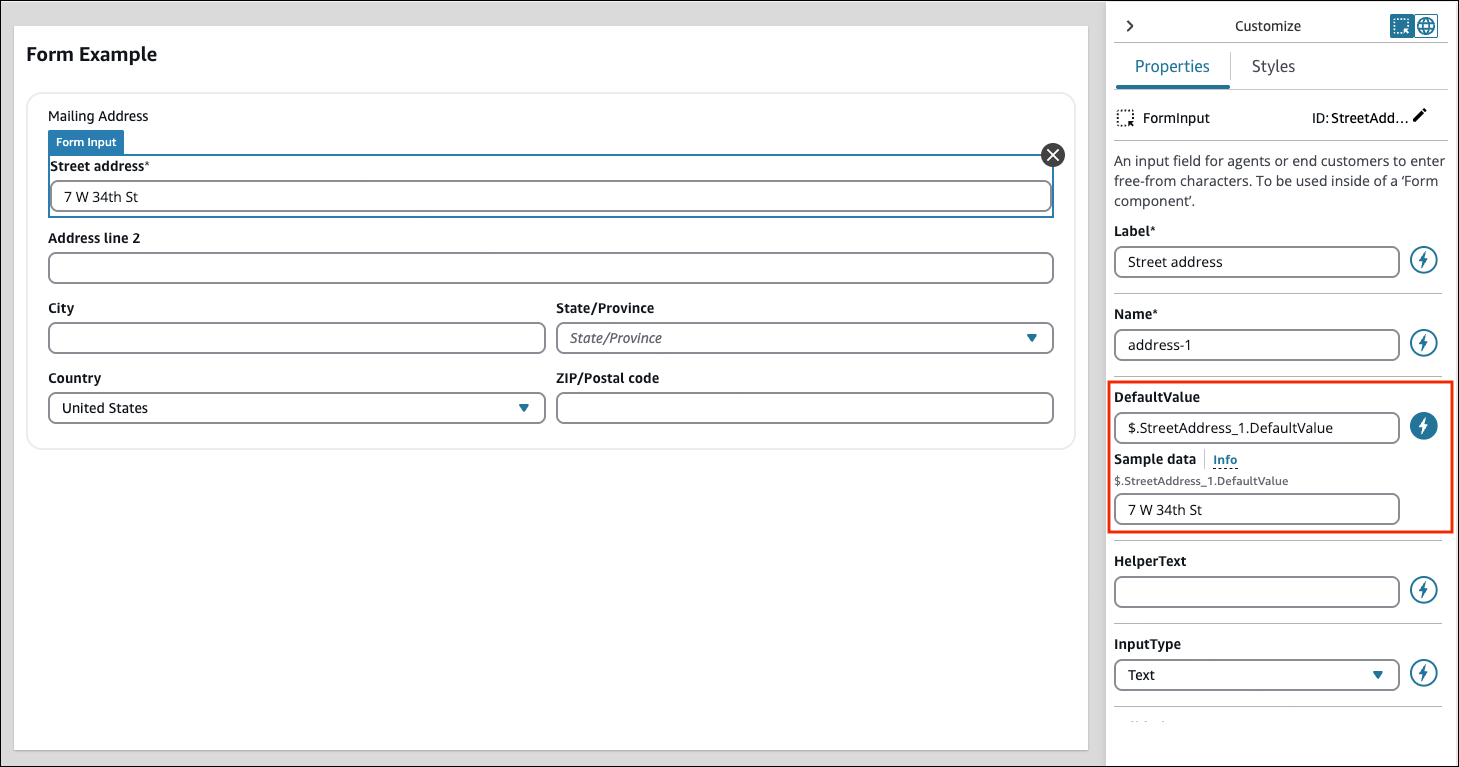
The following image shows a Mailing address form.
-
Street address is a dynamic default value. At runtime, it fills in with the address from the customer profile.
-
To preview how the field looks to users, enter sample data.
-
The value
7 W 34th Stappears only in the UI builder. Users don't see it.
