Update a project
Note
The SiteWise Monitor feature is no longer available to new customers. Existing customers can continue to use the service as normal. For more information, see SiteWise Monitor availability change.
Edit project
-
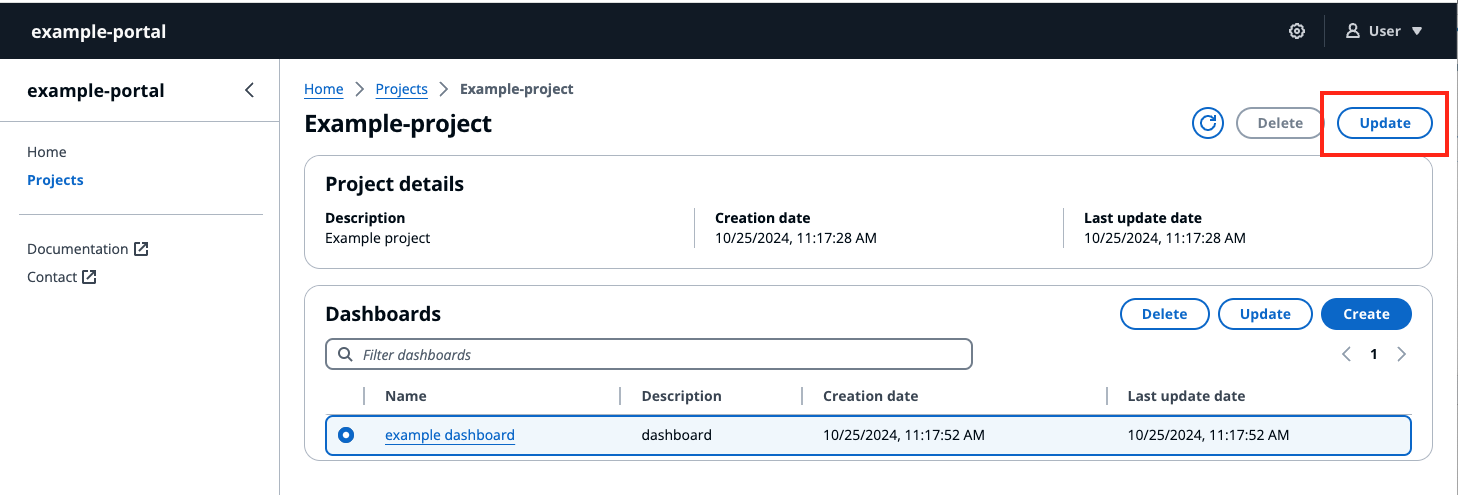
Choose the Update button on the top right hand corner of the Project page, to edit project details.
-
Change the name of the project by editing Project name.
-
Change the description of the project by editing the Description details.
-
Select Update to save your changes.